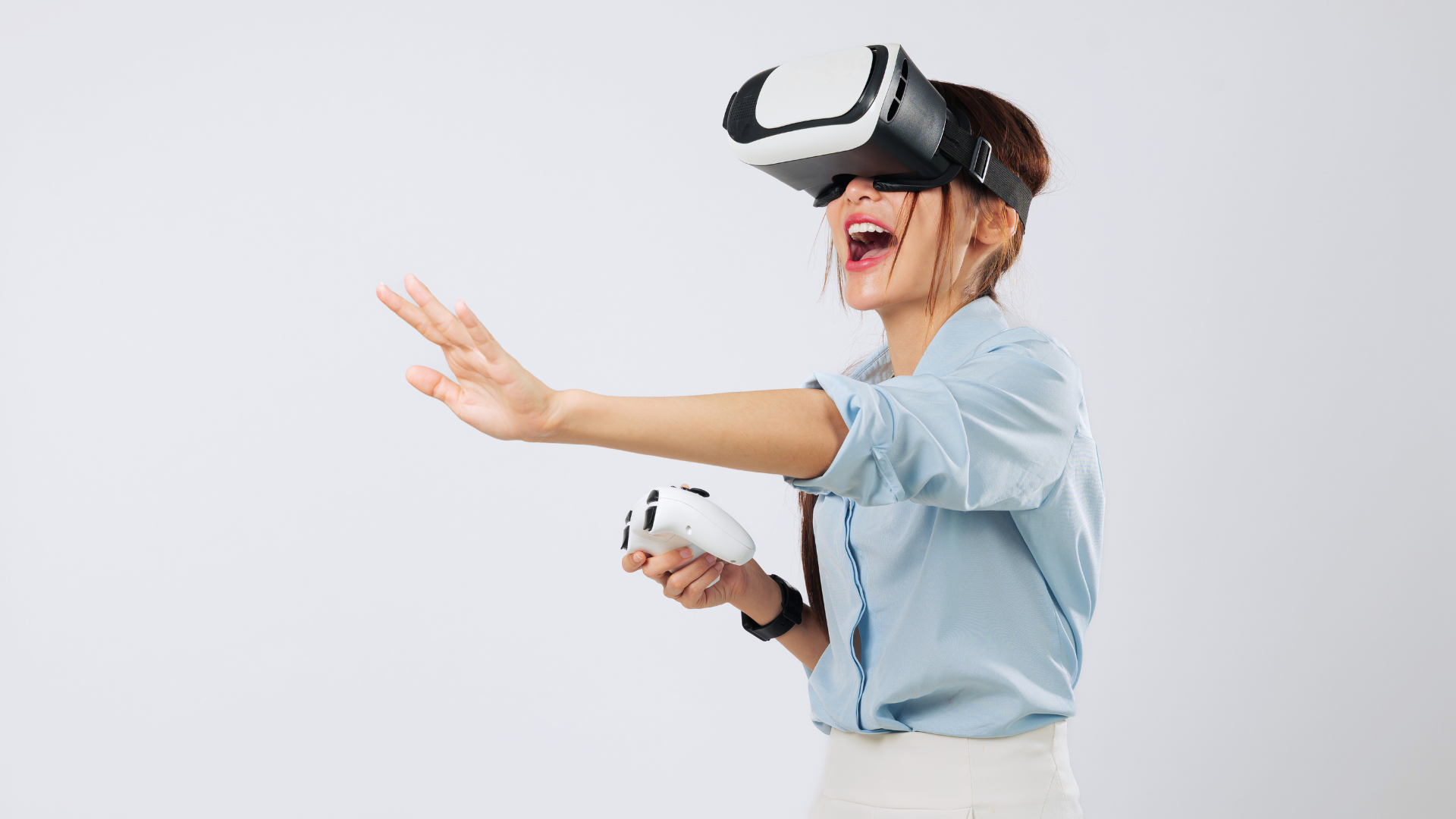
Streaming gameplay on Twitch offers an exciting opportunity to share gaming experiences with a vast audience. To effectively steam gameplay on Twitch, a user needs to set up broadcasting software, such as OBS Studio or Streamlabs, and connect it to their Twitch account. This process not only enhances the viewing experience but also allows the streamer to engage with viewers through chat and various interactive features.
Understanding the technical aspects of streaming can greatly impact a streamer’s success. Factors such as internet connection speed, stream quality settings, and hardware capabilities play crucial roles in ensuring smooth broadcasts. By refining these elements, streamers can create an inviting environment for their audience.
Beyond the technical setup, building an engaging channel is vital. Streamers should focus on developing their unique style, interacting with viewers, and promoting their streams on social media. These strategies contribute to a loyal following and an enjoyable streaming experience for everyone involved.
Setting Up Your Twitch Account
Creating a Twitch account is essential for streaming or engaging with content on this popular platform. The process is straightforward and involves customisation for a personalised experience.
Creating and Customising Your Twitch Account
To create an account, visit twitch.tv and click on the “Sign Up” button. Users must fill out a form that includes a username, password, date of birth, and email address.
After account creation, customisation is key. Users can set their profile picture, about section, and social media links. This personalisation helps in building a unique identity on Twitch.
Tips for customisation:
- Username: Choose a memorable and relevant username.
- Profile Picture: Use a clear image that represents your brand.
- About Section: Write a brief description that highlights interests or specialities.
Understanding the Twitch Dashboard
The Twitch dashboard is the control centre for streamers, offering various tools and features. Access it by logging in and clicking on the profile icon, then “Creator Dashboard.”
Key features of the dashboard include stream settings, chat options, and analytics. Streamers can adjust their stream title, tags, and category before going live.
Essential components of the dashboard:
- Stream Manager: Central hub for starting and managing streams.
- Analytics: Track views, follows, and subscriptions to gauge growth.
- Chat Moderation Tools: Manage chat interaction and maintain a positive environment.
Familiarity with the dashboard enables effective management of streaming activities on Twitch.
Preparing Your Streaming Setup
A well-prepared streaming setup is essential for delivering high-quality gameplay on Twitch. Focus on selecting the right equipment, ensuring optimal internet connectivity, and configuring broadcasting software effectively.
Choosing the Right Equipment
Selecting appropriate equipment is crucial for a successful stream. A gaming headset with clear audio output is invaluable for in-game sounds and communication. A webcam enhances viewer engagement; a resolution of at least 1080p is recommended for clarity. Proper lighting improves video quality, so consider using ring lights or softboxes for optimal illumination.
An audio mixer can enhance sound quality and allow for better control of audio levels. A video capture device is necessary for consoles; ensure it supports your console’s resolution. Additionally, investing in a robust graphics card, such as the NVIDIA GeForce GTX 1660, can improve performance. Finally, multiple monitors facilitate smoother operation during streaming.
Optimising Your Internet Connectivity
A stable internet connection is vital for seamless streaming. Ideally, upload speeds of at least 5 Mbps are recommended for 720p streaming, while 10-20 Mbps is better for 1080p.
Position the router close to the streaming device to minimise latency. Using a wired connection instead of Wi-Fi enhances stability. To evaluate the connection, performance testing tools, like Speedtest, can help monitor upload speeds.
Also, consider contacting the Internet Service Provider to discuss suitable packages for gaming and streaming needs. This may help in upgrading the internet speed to a higher number, thereby ensuring that the streaming experience isn’t hindered by poor network connectivity. Furthermore, reducing the number of devices on the network during a stream also improves bandwidth availability.
Configuring Broadcasting Software
The choice of broadcasting software is critical for effective streaming. OBS Studio is a popular option, offering customisation and flexibility. Key parameters to configure include bitrate, resolution, and frame rate. A good starting point is 1080p at 30 frames per second.
Audio settings play a significant role in quality, so adjust the audio input to match the gaming headset and the output for viewers. Incorporating overlays, alerts, and scenes enhances the viewer experience.
Regular updates of the software fix bugs and improve performance. Familiarity with software options can lead to a more professional presentation and better audience engagement.
Launching Your Stream on Twitch
Launching a stream on Twitch involves several important steps to ensure an engaging and interactive experience for viewers. Crafting appealing visuals, capturing gameplay effectively, and maintaining real-time communication with the audience are critical components of a successful broadcast.
Crafting Engaging Scenes and Overlays
Creating compelling scenes and overlays enhances the visual appeal of a stream. Streamers should use software like OBS Studio or Streamlabs OBS to design custom layouts. This can include incorporating a webcam feed, game capture, and chat windows.
Utilising overlays for displaying recent followers, donations, or chat messages can foster community engagement. Streamers may opt for animated graphics to create a dynamic atmosphere. It’s crucial that the layout balances aesthetics with functionality, ensuring that game content remains the focal point.
Adding Your Gameplay to the Stream
Integrating gameplay into the stream requires utilising specific capture modes. Game Capture mode is recommended for capturing full-screen applications, allowing clear streaming of the gameplay without unnecessary distractions. Alternatively, Window Capture can be used for games that do not support Game Capture.
After setting the appropriate capture source, streamers must input their stream key into the broadcasting software. This unique code links their stream to their Twitch account. Once everything is in place, they can initiate the broadcast, ensuring that gameplay is displayed seamlessly.
Interacting with Your Audience in Real Time
Engagement with viewers is essential during a live stream. Streamers should monitor chat closely, responding to questions and comments. Twitch’s chat features allow for interactive elements, such as polls and viewer-managed commands, to enhance viewer participation.
Incorporating alerts for new subscribers or donations can create a sense of appreciation and community. Streamers can encourage viewers to interact by asking for their opinions or suggestions regarding gameplay. Building a rapport with the audience increases retention and encourages repeat viewers.
Growing Your Twitch Channel
To grow a Twitch channel, streamers must actively promote their content and create a welcoming community. Engaging with viewers and utilising various platforms can significantly boost visibility.
However, despite putting in the effort, sometimes the algorithm doesn’t always work in one’s favour, and gaining new followers can become a frustrating process. In such cases, it’s okay to explore other avenues, including the option to Buy Twitch Followers.
If taking that route, it’s a must to choose a trustworthy and safe service that doesn’t compromise the channel’s integrity. When used thoughtfully, it can offer a helpful push toward growing a more visible and active channel.
Promoting Your Twitch Stream
Promoting a Twitch stream is crucial for attracting viewers. Streamers can leverage platforms like Facebook, YouTube, and YouTube Gaming to reach wider audiences.
Creating engaging content on these platforms, such as short clips of highlights or behind-the-scenes footage, can entice potential viewers. Streamers should ensure they have a consistent posting schedule that aligns with their streaming times on Twitch.
Using text posts to announce upcoming streams can also help engage followers. Consider adding a webcam feed to streams, as this personal connection can encourage viewers to return. Additionally, participating in Twitch raids can introduce channels to new audiences.
Building an Engaged Community
Building an engaged community is central to a successful Twitch channel. Streamers should interact with viewers during live sessions, responding to comments and asking for feedback on the stream, such as if they enjoy games like The Witcher 3.
Encouraging participation through chat games or polls can enhance viewer interaction. Creating a Discord server can also provide a space for fans to connect outside streams, fostering deeper relationships.
Streamers should focus on making their streams accessible and enjoyable, adjusting streaming settings as needed for optimal performance—whether streaming on PC or through a console. By cultivating a welcoming environment, streamers build loyalty among their audience, making their Twitch experience more rewarding.