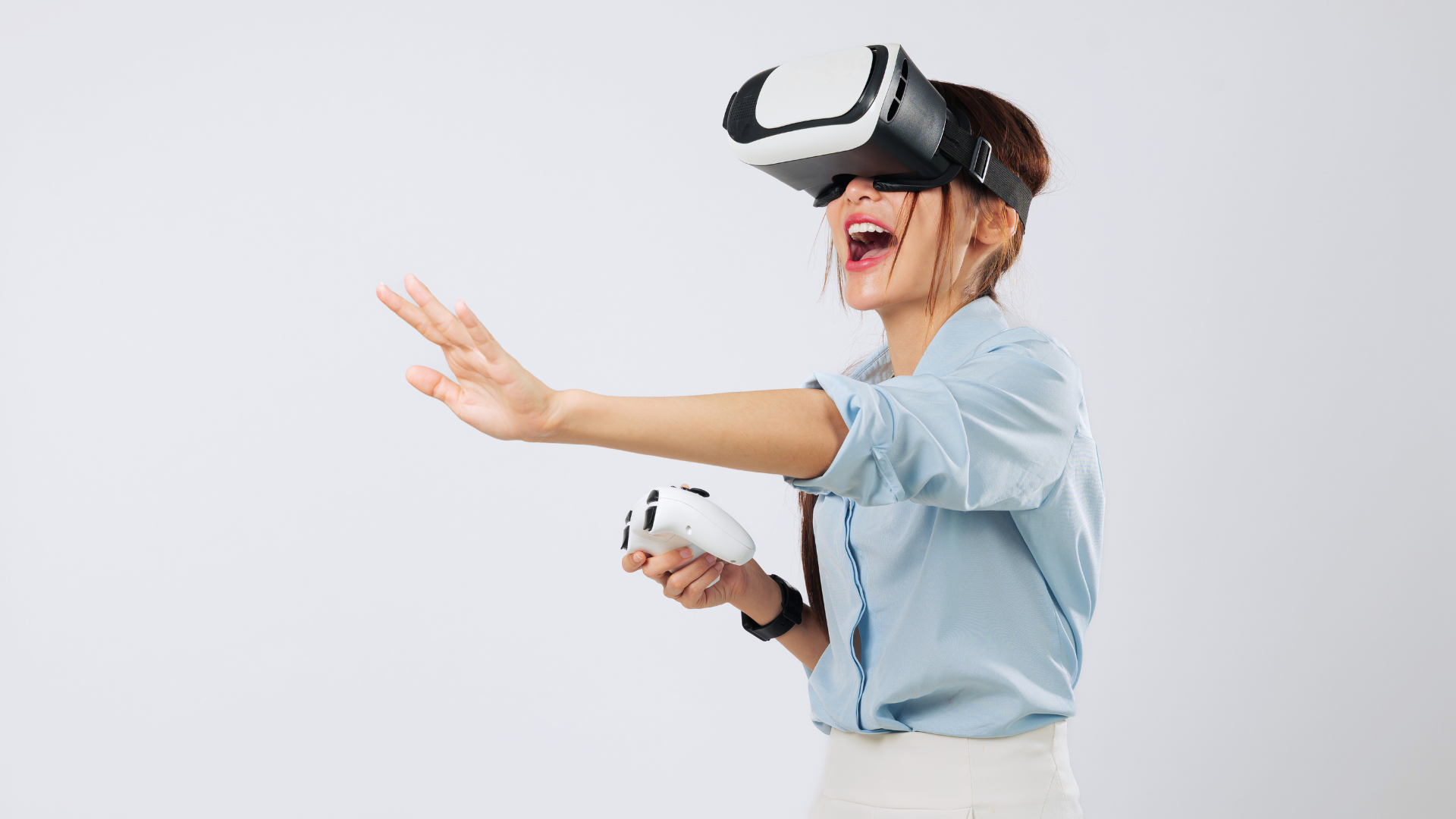
Setting up a custom gaming workspace means creating an environment tailored to comfort, efficiency, and enhanced performance. The key is combining ergonomic furniture, proper lighting, and the right tech to build a space that supports long gaming sessions without strain.
Attention to detail, from monitor placement to cable management, helps maintain focus and prevents distractions. Gamers can improve both their gameplay and well-being by organising their setup thoughtfully.
Everyone’s preferences differ, so this guide highlights practical steps to design a gaming workspace that fits individual needs and available space. The goal is a balanced setup delivering both functionality and personal enjoyment.
Choosing the Foundation of Your Gaming Workspace
A well-planned workspace starts with comfort, functionality, and organisation. Prioritising ergonomic seating, selecting a desk that supports gaming essentials, and arranging the area for focus enhances both performance and endurance during sessions.
Selecting an Ergonomic Gaming Chair
An ergonomic gaming chair is crucial for long-term comfort and posture support. It should offer adjustable features such as lumbar support, seat height, and armrests to accommodate different body types. Materials matter; breathable mesh or high-density foam padding ensures better airflow and reduces fatigue.
Look for chairs with a reclining backrest and tilt locking mechanism to allow movement without straining muscles. The base should be sturdy, with smooth-rolling casters for easy repositioning. Investing in a model specifically designed for gaming can reduce the risk of discomfort and improve focus.
Picking the Right Desk for Performance
The desk must provide enough surface area for multiple monitors, a mechanical keyboard, and other peripherals. Choose a desk with a height that allows elbows to rest at a 90-degree angle when seated. Sturdiness is essential to prevent wobbling during intense gameplay.
Consider desks with cable management systems to keep wires organised and out of the way. Materials like solid wood or metal frames offer durability. If space is limited, a compact corner desk or one with adjustable heights can maximise ergonomics and room usage.
Positioning for Comfort and Focus
Proper positioning minimises strain and distraction. The monitor should be at eye level, about an arm’s length away, to reduce neck and eye fatigue. Seating should allow feet to rest flat on the floor, or use a footrest if necessary.
Arrange lighting to avoid glare on screens; indirect, diffused light works best. Keep frequently used items within arm’s reach to maintain fluid movements and reduce time spent searching. Adequate ventilation and a clutter-free environment support prolonged concentration.
Essential Gaming Equipment Selection
A well-chosen gaming setup requires precision in selecting each piece of equipment. The choice of keyboard, monitor, and audio devices directly affects responsiveness, visual clarity, and sound quality, shaping the entire experience.
Choosing a Responsive Gaming Keyboard
Selecting a gaming keyboard means focusing on speed and tactile feedback. Mechanical keyboards are preferred for their durability and precise key registration, especially in fast-paced games like first-person shooters. Key switches such as Cherry MX Red or Brown are popular for their smooth actuation and quiet operation.
Programmable keys and anti-ghosting features are critical. These allow customised commands and ensure all key presses register simultaneously without conflict. The keyboard’s layout should also suit the gamer’s comfort, reducing strain during long sessions.
Backlighting, particularly RGB, is beneficial for visibility in low-light environments but should not distract. A sturdy build with a non-slip base helps maintain positioning during intense gameplay.
Monitor Setup and Visual Immersion
The monitor plays a vital role in immersive gaming. A high refresh rate (at least 144Hz) and low response time (below 5ms) reduce motion blur and input lag. This is especially important in competitive first-person shooters where reaction time counts.
Screen size and resolution impact immersion. A 24 to 27-inch monitor with 1080p or 1440p resolution offers a balance of sharpness and field of view. Curved screens can enhance immersion by filling peripheral vision, but personal preference varies.
Features like adaptive sync technologies (G-Sync or FreeSync) prevent screen tearing. Adjustable stands for height, tilt, and swivel aid ergonomic positioning. Optimal brightness and colour accuracy help reveal in-game details clearly.
Audio Devices and Acoustic Optimisation
Quality audio is crucial for recognising enemy movements and environmental cues. Over-ear headphones with surround sound or virtual 7.1 support provide directional accuracy and clear bass. Wired connections generally offer more consistent sound quality than wireless.
Microphone clarity is essential for team communication. Noise-cancelling microphones reduce background noise, improving transmission during multiplayer sessions.
Acoustic optimisation includes using sound-absorbing materials or foam panels to minimise echo and external noise. Positioning speakers or headphones correctly relative to the player ensures consistent audio delivery without causing ear fatigue.
Advanced Cable and Workspace Organisation
Effective cable organisation involves strategic planning and the right tools to maintain order and accessibility. It combines careful routing, protective coverings, and dedicated channels to minimise clutter and improve workspace functionality.
Implementing Effective Cable Management
He begins by identifying power sources and device locations to determine cable lengths and routes. Grouping cables by function—such as power, data, and peripherals—reduces tangling risks. Using cable ties or Velcro straps to bundle cables together simplifies adjustments and maintenance.
Labelled cables aid quick identification during troubleshooting or upgrades. It is important to avoid over-tightening ties to prevent cable damage. Regular inspection ensures connections remain secure and functional.
Utilising Cable Raceways for Cleanliness
Cable raceways offer a rigid, enclosed channel to conceal and protect cables along desks and walls. They prevent accidental disconnections and display a tidy appearance. He selects raceways made from durable materials that blend with the workspace design.
Installation involves mounting raceways with adhesive pads or screws near the desk’s edge or wall. Flexible raceways accommodate bends and corners. Careful planning of entry and exit points prevents cable strain or kinks, maintaining cable longevity.
Organising Cables with Sleeves and Accessories
Cable sleeves bundle multiple wires into a single, flexible sheath, reducing visual clutter and physical tangling. They often feature zipper or Velcro closures for easy access. Sleeves made from neoprene or polyester provide abrasion resistance and heat dissipation.
Additional accessories like cable clips and adhesive mounts secure cables along surfaces to prevent movement. Combining sleeves with clips keeps cables off the floor and out of the way, minimising wear and trip hazards. These tools are essential for maintaining a clean, ergonomic gaming setup.
Personalising and Enhancing Your Gaming Environment
Creating a tailored gaming space requires attention to lighting, style, and adaptability. Each element contributes to immersion and comfort, making the setup suited to the user’s gaming preferences and atmosphere needs.
Ambient Lighting for Engagement
Lighting plays a crucial role in immersive gaming by reducing eye strain and setting the mood. RGB LED strips behind screens and around the desk provide adjustable colours to match game themes or times of day.
Smart bulbs with syncing capabilities enhance engagement by reacting to game sounds or events, delivering a dynamic environment. Soft, indirect lighting prevents glare on monitors, maintaining clarity during extended sessions.
Choosing lighting with adjustable brightness and hues allows the user to balance visual comfort and atmosphere. Light temperature between 2700K and 4000K is ideal for warmth without sacrificing focus.
Theme and Decorative Choices
Themed decorations personalise the space and deepen immersion. Gamers may use posters, figures, or artwork that reflect favourite games or genres, creating a consistent visual narrative.
Functional decor, such as themed mousepads, keyboards, or headphone stands, blends aesthetics with usability. Incorporating personal memorabilia or subtle colours related to the gaming setup strengthens ownership of the environment.
Minimal clutter enhances both appearance and functionality, ensuring cables are organised and surfaces are clear. Personal touches should complement, not overwhelm, the technical setup.
Adapting for Multiple Gaming Styles
A versatile gaming workspace accommodates various genres and activities, from fast-paced FPS to strategy or casual gaming. Adjustable seating and properly positioned peripherals support different postures and control needs.
Interchangeable input devices, like swapping mechanical keyboards or gaming mice with different sensitivities, help optimise performance depending on the game. Space for console controllers vs. PC gear should be planned.
Surface space should remain flexible for board games or streaming equipment if needed. Modular arrangements enable swift transitions that maintain immersion across gaming styles.